






Description
Download Learn and play English free – English learning, vocabulary, phonetics, flashcards
Overview
The Learn and Play English App is a free educational tool designed to help users develop English language skills through interactive gameplay. It focuses on vocabulary acquisition and phonetic understanding using flashcard-based exercises. The software aims to simplify language learning by breaking down the process into three distinct stages, each targeting a specific skill: visual recognition, auditory comprehension, and written recall. This structured approach supports learners in building confidence and accuracy when identifying, pronouncing, and spelling English words. The application is intended for a broad audience, including children and adults seeking an accessible entry point into English language study. Its design emphasizes simplicity and usability, making it suitable for beginners with minimal prior experience. The developer, DOMOsoft, has prioritized practicality and user-friendliness in the interface and workflow. Real-world usage scenarios include daily language practice, classroom support, and self-paced learning at home or on the go. The app’s focus on native speaker voice recordings enhances authenticity in pronunciation training. While the software is described as free, no specific licensing terms were detailed in the provided information.
Key Features & Capabilities
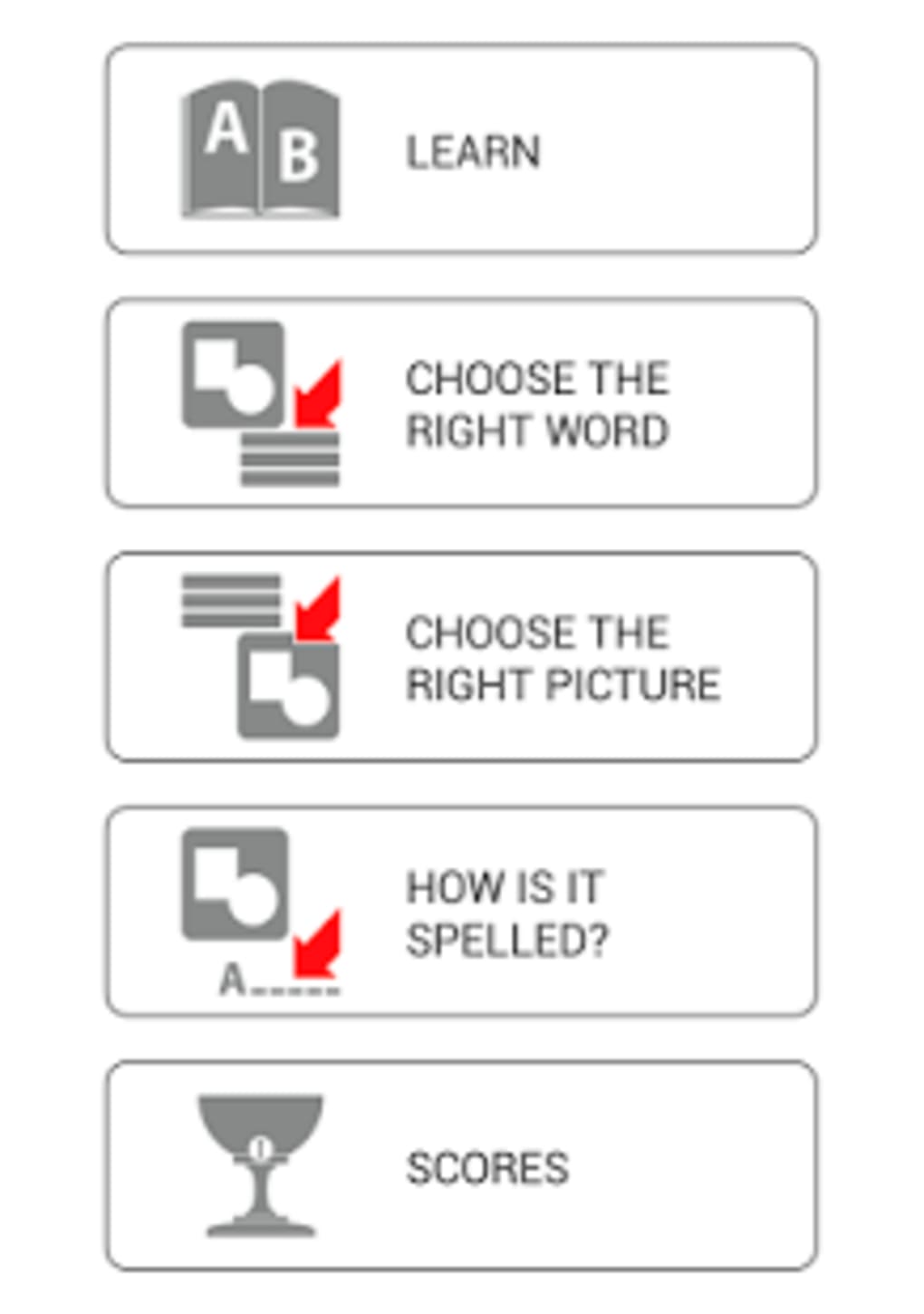
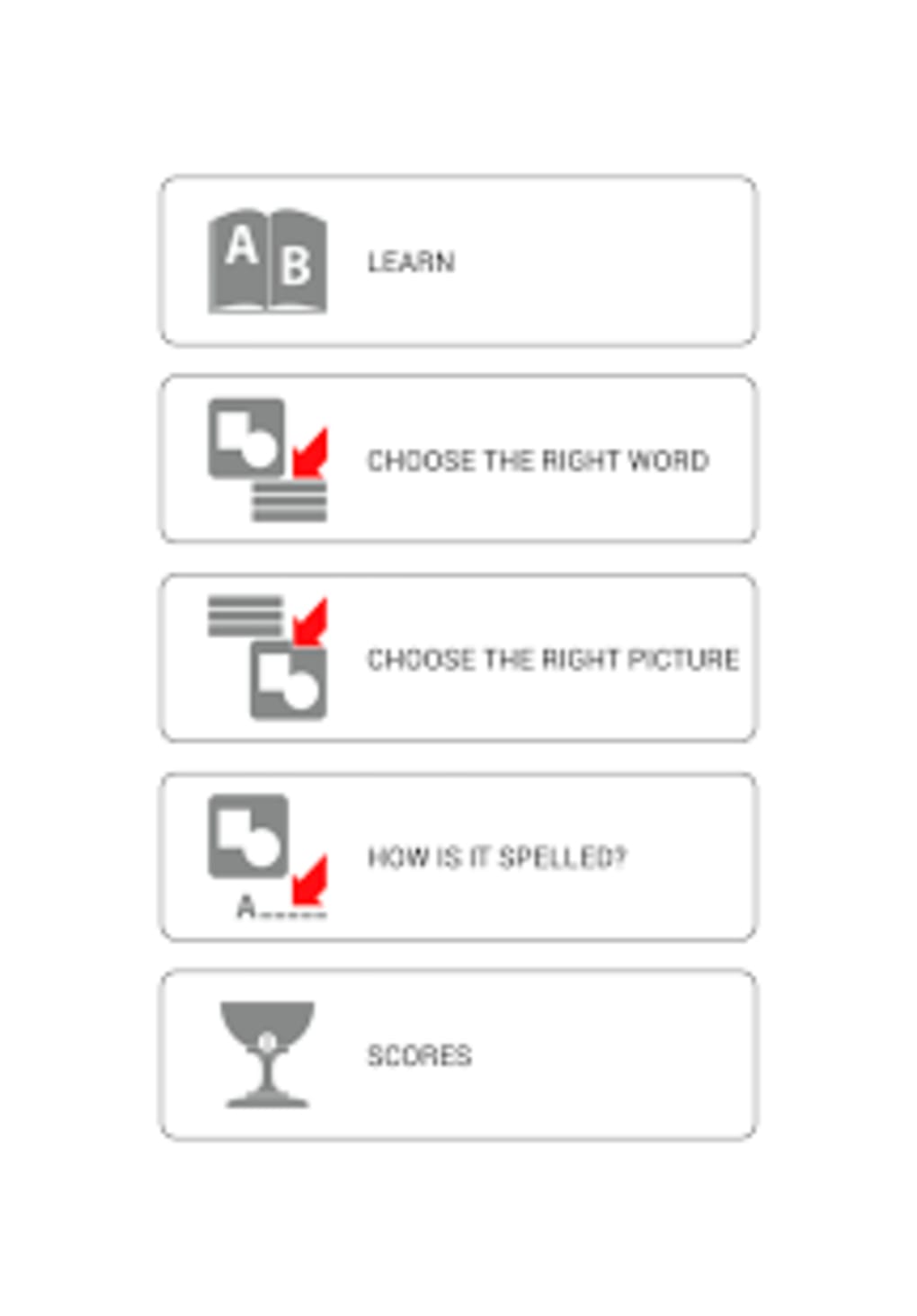
- Three-Stage Learning Process: The software guides users through a progressive sequence: selecting the correct word for a given image, hearing the word pronounced by a native speaker, and then writing the word to verify spelling accuracy. This method reinforces multiple learning modalities simultaneously.
- Flashcard-Based Exercises: Core functionality revolves around interactive flashcards that display images paired with target vocabulary. This visual association helps users link words to their meanings, improving retention and contextual understanding.
- Native Speaker Audio: High-quality voice recordings by native English speakers provide accurate pronunciation models, allowing learners to mimic correct intonation and stress patterns for improved speaking skills.
- Spelling and Writing Practice: The third stage requires users to type the word they’ve heard and seen, enabling immediate self-assessment and reinforcing spelling accuracy through active recall.
- Beginner-Friendly Design: The interface is structured for simplicity, minimizing cognitive load for new users. Navigation is straightforward, with clear prompts and feedback after each stage, supporting independent learning.
User Interface, Workflow & Performance
The software features a clean, intuitive interface optimized for ease of use. Navigation appears to be linear, progressing through the three stages without complex menus or hidden options. Users are likely guided step-by-step through each exercise, with visual cues and audio prompts facilitating seamless transitions. The workflow is designed to reduce friction, allowing learners to focus on language content rather than technical operations. Interaction is primarily through touch or mouse input, though specific input methods were not detailed. The developer did not specify resource usage details, so exact performance metrics like CPU or RAM consumption remain unknown. Stability and responsiveness were not described, but the emphasis on simplicity suggests a lightweight experience. General software behavior patterns indicate that such educational tools typically operate smoothly on modern devices, though actual performance may vary based on the user’s hardware. No information was provided about update frequency, background processes, or battery impact during use.
Compatibility & System Requirements
The software is designed for the Android operating system. It is available as a free application through the Google Play Store. The developer did not provide additional system requirements, including minimum hardware specifications, screen resolution, or RAM needs. Exact performance details were not specified. Platform compatibility information is limited to Android, with no mention of support for other operating systems like Windows, macOS, or Linux. Installation size was not disclosed, so users cannot assess storage impact. The software’s compatibility with older Android versions or specific device models remains unconfirmed. Users should verify availability and requirements directly through the official distribution channel.
Pros and Cons
Pros
- Free access to core educational features
- Structured three-stage learning process for comprehensive skill development
- High-quality native speaker audio for accurate pronunciation modeling
- Simple, intuitive interface suitable for beginners and children
- Interactive flashcards enhance visual and auditory learning
Cons
- No information on system requirements or hardware compatibility
- Availability limited to Android platform only
- Missing details on update frequency or long-term maintenance
- Performance and resource usage were not specified
- Platform-specific distribution may limit access for non-Android users
FAQ Section
Is Learn and Play English free to use?
Yes, the software is available at no cost. The developer has not specified any in-app purchases or subscription tiers.
Which operating systems does it support?
The software is designed for Android devices. No information was provided about compatibility with Windows, macOS, or other platforms.
Is the software safe to download?
The app is distributed through the Google Play Store, which employs security measures to screen applications. However, the developer did not provide details on data privacy, permissions, or security protocols.
Does it require an internet connection?
Based on the provided information, the software’s functionality appears to be primarily offline, as it relies on pre-recorded audio and static flashcards. However, no explicit details were given about online requirements.
Can I use it without creating an account?
Yes, the software is designed for immediate use without registration. The developer did not mention account creation or data synchronization features.
Final Thoughts + CTA
The Learn and Play English App presents a focused, accessible approach to foundational English language learning through structured, interactive exercises. Its three-stage methodology effectively combines visual, auditory, and written practice, making it a practical tool for beginners and young learners. The inclusion of native speaker audio adds authenticity to pronunciation training, while the simple interface ensures minimal barriers to entry. Although limited to Android and lacking detailed system specifications, its free availability and clear educational goals make it a viable option for users seeking supplemental language practice. For those prioritizing ease of use and foundational vocabulary building, this software offers a low-risk, engaging experience. Download Learn and play English free now.
Guides & Tutorials for Learn and play English free
How to install Learn and play English free
- Click the Preview / Download button above.
- Once redirected, accept the terms and click Install.
- Wait for the Learn and play English free download to finish on your device.
How to use Learn and play English free
This software is primarily used for its core features described above. Open the app after installation to explore its capabilities.
User Reviews for Learn and play English free 0
No reviews found





